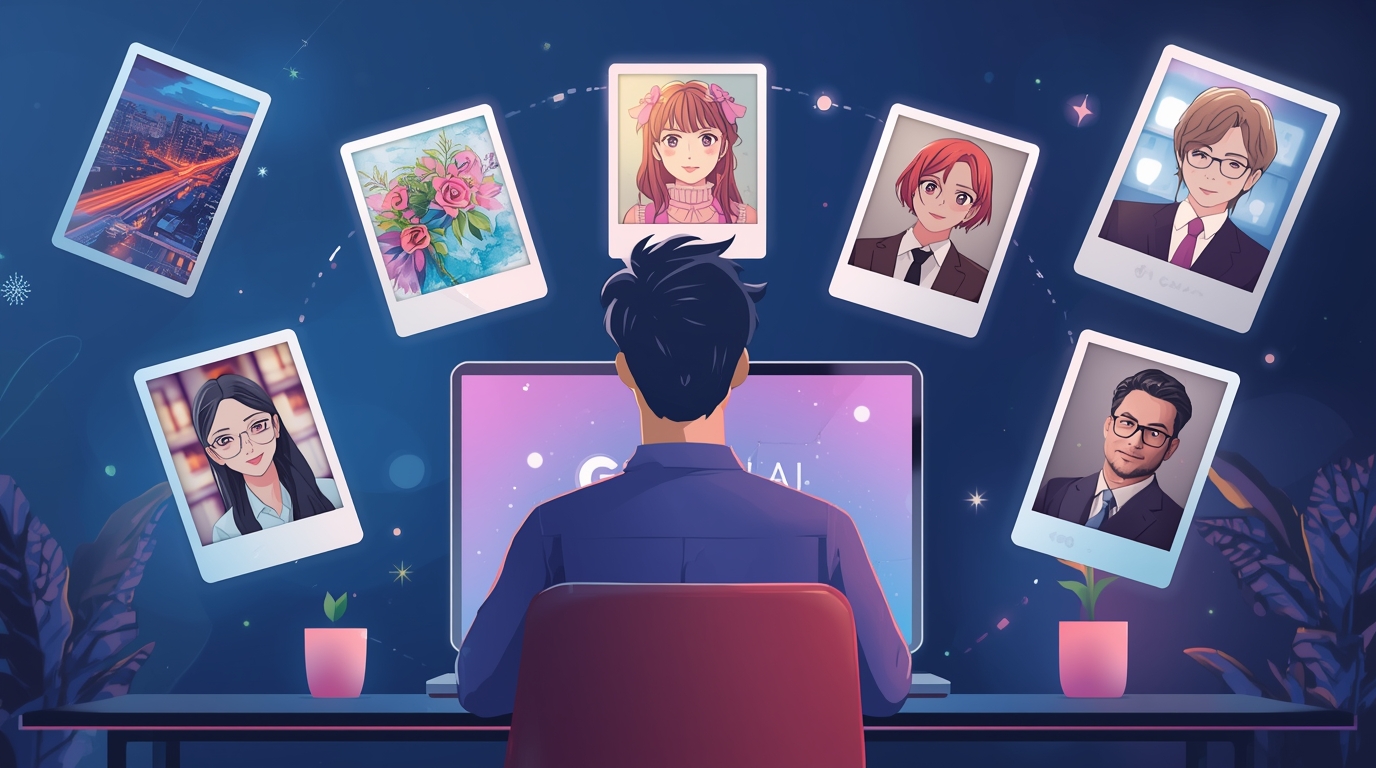
Belakangan, lini masa media sosial penuh dengan foto-foto yang terlihat profesional, padahal kenyataannya bukan hasil kamera mahal. Foto-foto itu justru lahir dari Gemini AI, teknologi AI generatif milik Google. Fitur yang paling sering digunakan adalah Nano Banana, editor foto berbasis AI yang resmi meluncur akhir Agustus 2025.
Dengan hanya mengetik perintah dalam bentuk teks, pengguna bisa mengubah latar belakang, menambah efek ala kamera analog, bahkan membuat foto keluarga bergaya studio. Inilah yang menjadikan Gemini AI sebagai tren baru yang membuat semua orang penasaran untuk mencoba.
Cara Kerja Editing di Gemini AI
Mengedit foto di Gemini AI sebenarnya sangat sederhana. Berikut langkahnya:
- Masuk ke Gemini AI.
- Pilih tools Nano Banana.
- Tekan ikon “+” untuk mengunggah foto.
- Tentukan foto yang ingin diedit.
- Tulis prompt secara jelas dalam bahasa Inggris.
- Klik Enter atau tanda panah.
- Tunggu hasil jadi.
- Jika belum sesuai, ubah prompt agar lebih detail.
Kunci hasil yang bagus terletak pada seberapa jelas prompt yang ditulis.
10 Prompt Populer Gemini AI
Buat kamu yang baru mencoba, berikut daftar prompt populer yang sudah terbukti menghasilkan editan keren:
- Change Background
“Change the background to the night view of New York City with lots of lights. Do not alter the original face.” - Watercolor Style
“Turn this photo into a watercolor painting-style portrait with bright colors and an artistic impression. Keep the original face unchanged.” - Photo Combination
“Combine these two images. Make me look like I am sitting on the sofa with my cat sleeping on my lap. Do not alter the original face.” - Studio Formal Look
“Transform my photo into a formal studio-style portrait. Add a black slim-fit suit while posing in a modern elevator with cinematic lighting. Keep the original face intact.” - Anime Illustration
“Turn my photo into an anime-style character with large eyes and unique hairstyle. Keep my original facial expression unchanged.” - 90s Retro
“Add an analog film camera effect to this photo. Include soft grain, thin scratches, and slightly faded colors like Kodak film.” - Childhood Meets Adult
“Combine a childhood and adult photo. Show them hugging each other closely in a polaroid-style picture, with warm lighting and slight blur for a nostalgic vibe. Keep the original face intact.” - Classic Polaroid
“Turn this into a classic polaroid photo with a white frame. Add subtle grain effects and slightly faded colors like analog camera results.” - Old Money Aesthetic
“Transform this into an Old Money aesthetic portrait. Add warm muted tones, background of a luxurious classic interior such as an old library, with soft lighting. Keep the original face unchanged.” - Minimalist Profile
“Make this photo a minimalist portrait with a plain white background. Add clean studio lighting and focus on facial expression. Remove all background objects.”
25 Prompt Foto Studio Gemini AI
Tren lain yang sedang viral adalah membuat foto studio virtual dengan Gemini AI. Berikut daftar lengkapnya yang bisa langsung dipakai:
Untuk Cowok
- Formal Elegant
“Turn this photo into a formal studio portrait. Keep the original face intact. Pose standing straight with arms crossed, wearing a navy blue suit, white shirt, and black tie. White plain background, softbox lighting.” - Casual Relaxed
“Edit this photo into a casual studio portrait. Pose sitting casually on the floor, wearing a plain white T-shirt and light blue jeans. Add sneakers, a snapback cap, and a vintage radio as props.” - Modern Artistic
“Turn this photo into a modern studio portrait. Sit on a chair with one hand holding a book, wearing a black turtle neck. Dark blue background with circular spotlight.” - Sporty
“Transform this into an athletic studio portrait. Pose standing while holding a basketball, wearing a sleeveless jersey. Dramatic spotlight lighting, dark background.”
Untuk Cewek
- Glamour Night
“Make this a glamour studio photoshoot. Pose standing gracefully, wearing a long red gown with a high slit. Add dramatic spotlight, black background with thin smoke effect, and luxurious jewelry accessories.” - Professional
“Turn this into a formal studio portrait. Pose standing upright in a white blazer and slim-fit pants. Two-sided softbox lighting, plain white background, wearing a thin wristwatch as accessory.” - Minimalist Fashion
“Edit this into a modern minimalist portrait. Pose sitting on a tall chair in a simple black dress. Dramatic spotlight lighting, gray gradient background.”
Untuk Keluarga
- Formal Family
“Turn this into a formal family studio portrait. Keep all original faces intact. Father in suit, mother in navy gown, children in white and pastel outfits. White plain background, evenly spread softbox lighting.” - Casual Cheerful Family
“Transform this into a casual family portrait. Sitting together on the floor, wearing white T-shirts and jeans, cheerful expressions, colorful balloons as props.” - Glamour Family
“Make this family photo glamorous. Father in black suit, mother in red gown, children in party outfits. Dramatic spotlight lighting, dark background.”
Untuk Sahabat
- Relaxed & Cheerful Friends
“Turn this friends’ photo into a cheerful studio portrait. Sitting casually on the floor side by side while laughing, wearing white T-shirts and jeans, with colorful balloons as props.” - Elegant Friends
“Edit this into an elegant friends’ studio portrait. Pose standing next to each other, both wearing black blazers and trousers, softbox lighting, plain white background.” - Fashionable Friends
“Transform this into a fashion studio portrait. Sitting on high chairs facing opposite directions, wearing modern contrasting color dresses, dramatic spotlight, gray background.”
Untuk Pasangan
- Romantic Formal Couple
“Turn this couple’s photo into a formal studio portrait. Man in black suit, woman in elegant navy gown, pose holding hands, plain white background.” - Sweet Casual Couple
“Edit this couple’s photo into a casual portrait. Sitting on the floor leaning against each other, both wearing white T-shirts and jeans, with a red heart-shaped pillow as a prop.” - Romantic Dramatic Couple
“Make this couple’s photo look like a glamorous photoshoot. Man holding the woman’s waist, woman in a long red gown, dramatic spotlight, plain black background.”
Aturan Edit Foto di Gemini AI
Walaupun seru, ada beberapa batasan penting:
- Tidak boleh mengedit wajah orang lain tanpa izin.
- Tidak diperbolehkan memanipulasi wajah figur publik atau selebriti.
- Hindari pembuatan deepfake yang bisa berisiko menyesatkan.
- Selalu perhatikan etika dan privasi saat menggunakan AI.
Aturan ini menjaga agar penggunaan AI tetap aman, adil, dan bertanggung jawab.
Kesimpulan
Gemini AI lewat Nano Banana adalah revolusi baru dalam dunia editing foto. Dari efek retro 90-an, gaya polaroid klasik, sampai potret keluarga ala studio bisa diciptakan hanya dengan mengetik prompt. Semua itu membuat kreativitas lebih mudah dijalankan tanpa biaya besar.
Namun, kebebasan ini harus diiringi kesadaran etika. Jangan salahgunakan, gunakanlah untuk berekspresi positif. Dengan begitu, hasil foto dari Gemini AI bisa menjadi karya unik yang layak dibagikan ke seluruh dunia.